Blog
How Much Internet Speed Do I Need? Honest Answers by Household (2026)

10 min read
By Chris Burg, founder of MyUtilitySearch · Last updated October 30, 2026
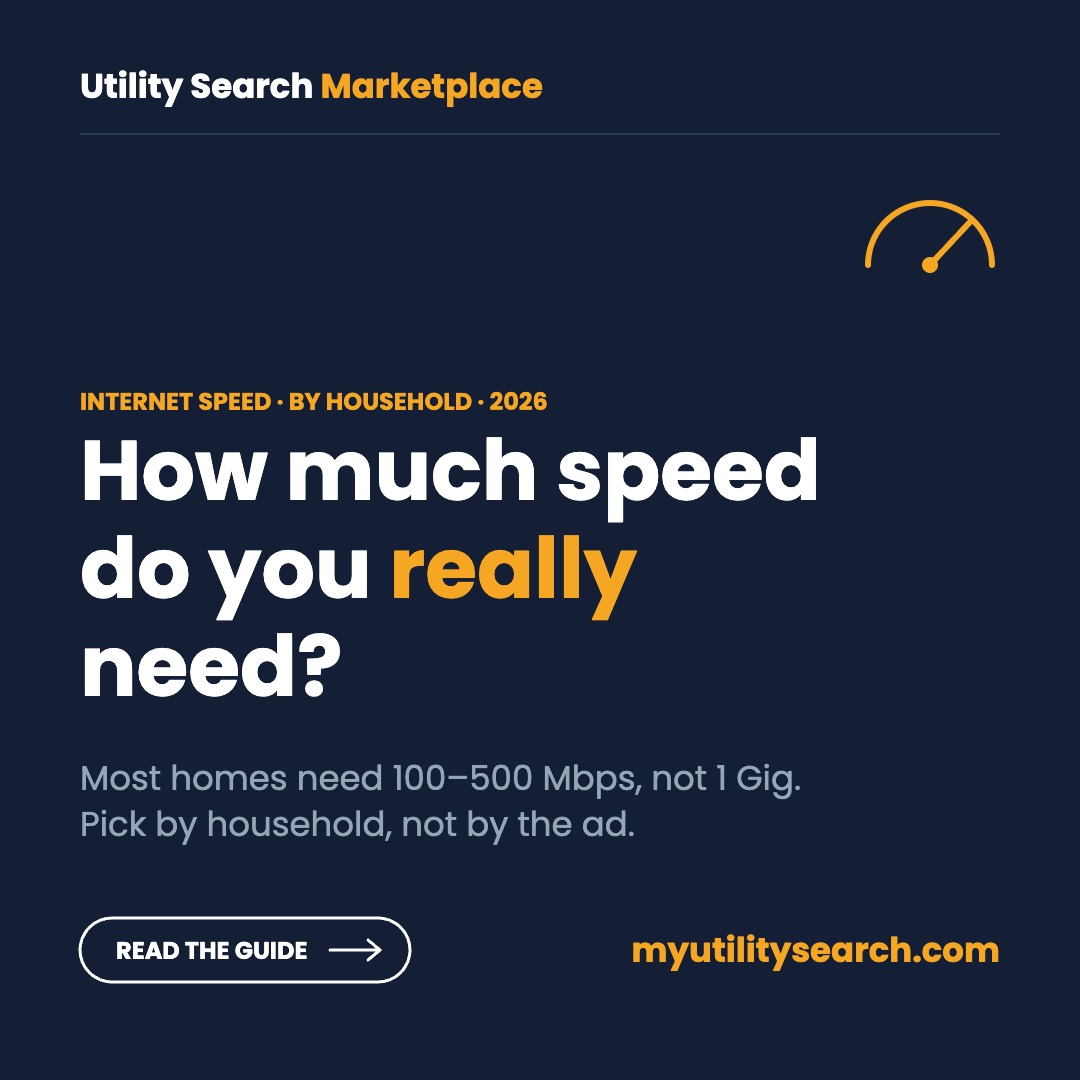
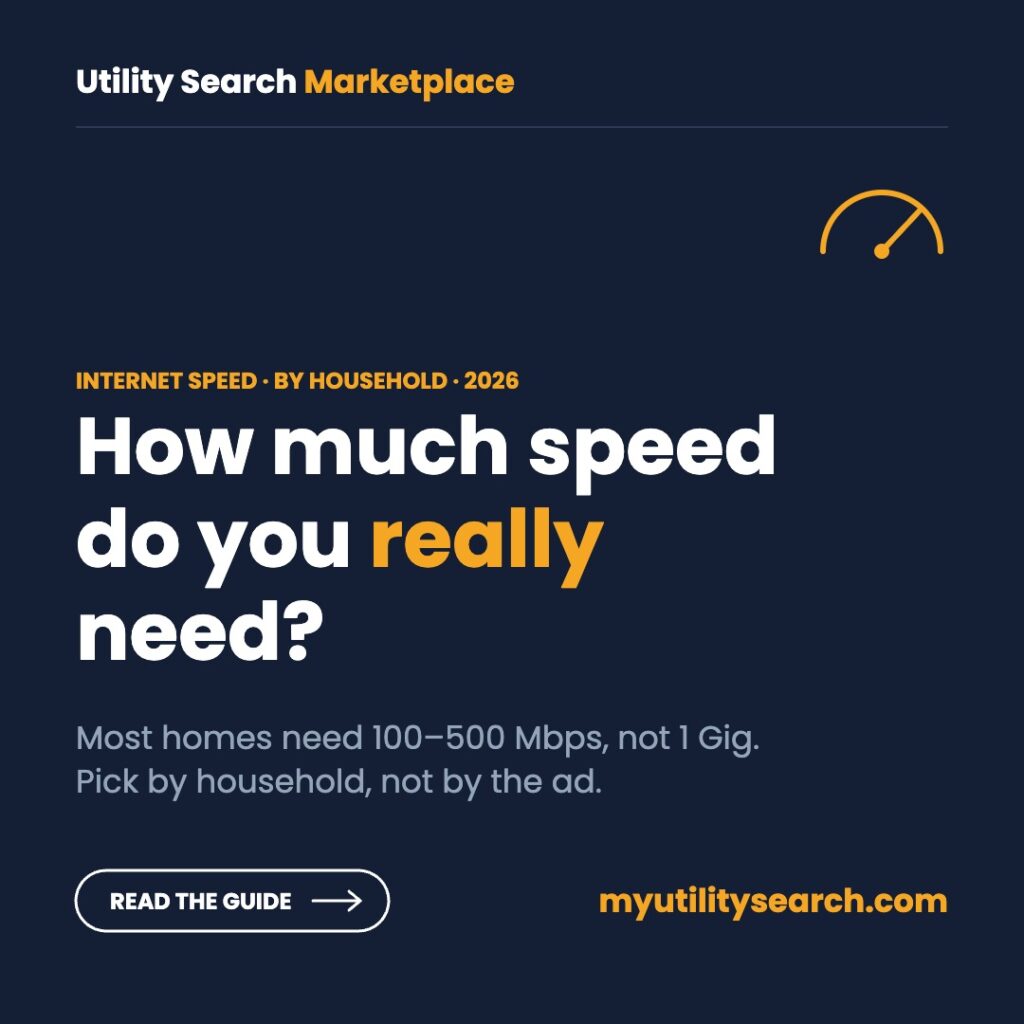
How much internet speed do I need? For most homes, 100 to 500 Mbps. A single person or a couple in an apartment is well served by 100 to 300 Mbps, a family of four by about 500 Mbps, and only large or heavy-download households need 1 Gig. Count what runs at the same time, then add headroom.
Quick answer by household
- One person, apartment: 100–300 Mbps
- Couple, both working from home: 300 Mbps
- Family of four, several TVs: 500 Mbps
- Five or more heavy users, gamers, creators: 1 Gig
- Upload: at least 20 Mbps if anyone works from home; fiber gives you the same upload as download.
How much internet speed do I need? Where to start
When you ask how much internet speed do I need, start with your busiest hour, not your average day. Speed is shared, so what matters is everything happening at once: the TV in the living room, a video call in the office, a game console and every phone in the house.
Then add headroom. Wi-Fi rarely delivers your full plan speed to every room, and new devices arrive every year. A plan about two to three times your peak use stays smooth without paying for speed you never touch.
Finally, check upload speed. Download speed gets the headlines, but video calls, cloud backups and posting videos all use upload. Cable plans often have much slower upload than download; fiber plans are usually symmetrical.
How much speed do common activities use?
To answer how much internet speed do I need for your own home, start with what each activity uses. Here is what the services themselves recommend for one stream or one call. These are per-device numbers, so add them up for your household.
| Activity | Speed needed (per device) | Source |
|---|---|---|
| 4K streaming (YouTube) | 20 Mbps | YouTube |
| 4K streaming (Netflix) | 15 Mbps | Netflix |
| HD 1080p streaming | 5 Mbps | YouTube, Netflix |
| Zoom group call, 1080p | 2.5 Mbps down, 3.0 Mbps up | Zoom |
| Zoom 1:1 call, 720p | 1.2 Mbps up and down | Zoom |
| Online gaming | A few Mbps; low latency matters more | Console makers |
| Web, email, music | Under 2 Mbps | Typical use |
Notice how small these numbers are. A single 4K stream uses about 20 Mbps, so even a 100 Mbps plan can carry several at once. Speed problems in most homes come from Wi-Fi coverage, old routers or many simultaneous users, not from a plan that is too slow.
Use the speed picker
The fastest way to answer how much internet speed do I need for your own home: enter what happens at the same time in your home on a busy evening. The picker adds up typical use, adds 50% headroom and suggests a plan tier.
Speed picker: how much internet speed do I need?
Count what happens at the same time on a busy evening.
How much internet speed do I need for one person?
A single person who streams, browses and takes the occasional video call rarely uses more than 25 Mbps at once. A 100 Mbps plan covers that with room to spare, and 300 Mbps covers it with plenty of room for a second person later.
If you work from home on video all day, choose a plan with at least 20 Mbps upload. In most apartments the bigger issue is Wi-Fi: thick walls and dozens of neighboring networks slow things down more than the plan does, so put the router in a central spot. For a single renter asking how much internet speed do I need, the answer is usually the cheapest plan of 100 Mbps or more.
How much internet speed do I need for two people?
Two people on 1080p video calls at the same time use about 5 Mbps down and 6 Mbps up. Add a 4K stream and two phones, and the peak is still around 30 to 40 Mbps.
For couples asking how much internet speed do I need, 300 Mbps is the sweet spot, even when both work from home. Move to 500 Mbps if either of you uploads large video files, runs cloud backups during the day, or games online while the other streams.
How much internet speed do I need for a family?
A family of four can easily run three 4K streams, a video call, an online game and a dozen phones and tablets at once. That adds up to roughly 80 to 100 Mbps at peak.
So how much internet speed do I need for a family of four? A 500 Mbps plan gives that household comfortable headroom, including evenings when everyone is home. Larger families, or homes with several gamers downloading 100 GB updates, are where 1 Gig starts to earn its price.
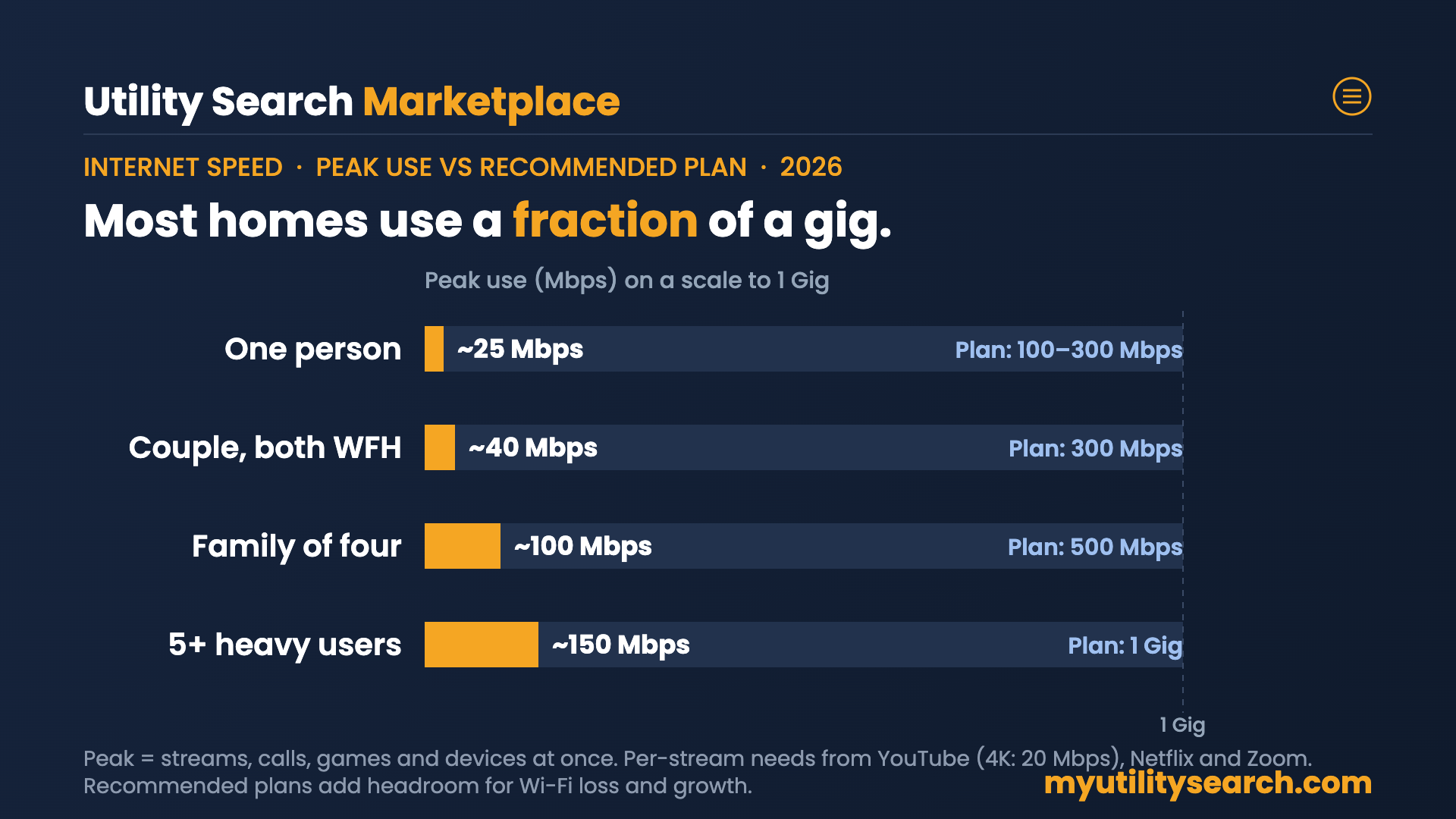
| Household | Typical peak use | Recommended plan |
|---|---|---|
| One person, apartment | About 25 Mbps | 100–300 Mbps |
| Couple, both working from home | About 30–40 Mbps | 300 Mbps |
| Family of four | About 80–100 Mbps | 500 Mbps |
| Five or more heavy users, gamers | 150 Mbps and up | 1 Gig |
How much internet speed do I need to work from home?
For one remote worker, 100 Mbps download and at least 20 Mbps upload is plenty: a 1080p group Zoom call uses about 3 Mbps up and 2.5 Mbps down. Two remote workers on calls at once still use well under 10 Mbps each way.
Beyond the question of how much internet speed do I need for remote work, what matters most is consistency. Fiber’s matching upload speed and steadier evening performance are worth more than extra download speed. If your job depends on calls, a wired connection to your laptop beats any plan upgrade.
How much internet speed do I need for gaming?
Online play itself uses only a few Mbps; what you feel is latency, the delay between your controller and the game server. Fiber and cable usually deliver lower, steadier latency than 5G or satellite.
Download speed matters for updates. Modern games and patches can run 50 to 150 GB, so a gaming household benefits from 500 Mbps to 1 Gig mostly to cut waiting time, not to play. See our best internet for gaming guide for latency comparisons.
How much internet speed do I need for streaming?
If you are asking how much internet speed do I need for streaming, plan on 20 Mbps for every 4K stream running at once and 5 Mbps for every HD stream. Three 4K TVs at the same time come to about 60 Mbps, which a 300 Mbps plan handles easily.
If streams buffer on a fast plan, the problem is almost always Wi-Fi reaching that TV. Connect the TV by Ethernet or move the router closer before paying for a faster tier.
Why does everyone pick 1 Gig?
Because providers make it look like the obvious choice. Gig plans are labeled “most popular,” and the price steps between tiers are often small. On our October 2026 check, AT&T Fiber charged $50 for 300 Mbps, $60 for 500 Mbps and $70 for 1 Gig a month with AutoPay.
1 Gig does help in specific cases: downloading a 100 GB game takes about 45 minutes at 300 Mbps and about 13 minutes at 1 Gig. Large households also benefit. But a single phone or laptop on Wi-Fi often tops out well below a gigabit, so many gig customers never see the speed they pay for.
If the step from 500 Mbps to 1 Gig is $10 a month, that is $120 a year. Pay it if you need it, not because the ad says most people do. The honest answer to how much internet speed do I need is the lowest tier that covers your busiest hour. Our 1 Gig internet guide covers who benefits.
What is the cheapest internet speed that still covers everything?
When budget comes first, the answer to how much internet speed do I need is usually 100 Mbps: for one or two people, that is the floor that still handles streaming, video calls and browsing together. That is often the cheapest wired tier: Spectrum’s 100 Mbps plan started around $30 a month on our October 2026 check, with no data cap.
5G home internet is another low-cost route. T-Mobile’s base plan started at $50 a month, or $35 with a T-Mobile phone line, and typically delivers 100 Mbps or more where the signal is strong. Households that qualify can also ask about low-income plans from most major providers.
See the full list in our cheapest internet plans guide and the low-income internet programs page.
Download vs upload: the number most people skip
Download speed is how fast data reaches you; upload is how fast you send it. Streaming is almost all download. Video calls, cloud backups, security cameras and posting videos all use upload.
The FCC’s broadband benchmark, set in March 2024, is 100 Mbps download and 20 Mbps upload. When you work out how much internet speed do I need, include upload: if anyone in your home works on video calls or backs up files, treat 20 Mbps upload as the minimum. Fiber plans typically match upload to download; cable and 5G upload is usually much lower.
How to find the speeds available at your address
Plans, prices and top speeds change street by street. Once you know how much internet speed do I need for your household, enter your address in the search box at the top of this page to see every provider and plan that serves your home, then pick the lowest tier that fits your household from the table above.
Signs your current speed is not enough
- Video calls freeze when someone else starts streaming.
- 4K streams drop to lower quality in the evening.
- Game and app updates take hours instead of minutes.
- A wired speed test at the router shows far less than your plan.
Before you decide how much internet speed do I need from a new plan, test what you have: if a wired test is close to your plan speed but Wi-Fi is slow, upgrade the router or add mesh points before paying for a faster plan. If the wired test is also slow, call your provider; you may be paying for speed you are not getting.
How much internet speed do I need? FAQ
How much internet speed do I need?
Most households need 100 to 500 Mbps. One or two people who stream and work online do fine with 100 to 300 Mbps; a family of four with several 4K TVs is comfortable at 500 Mbps; 1 Gig is for large, heavy-use homes or frequent big downloads. Add up what runs at the same time and leave room to spare.
Is 300 Mbps good for two people?
Yes. Two people on 1080p video calls and a 4K stream use about 25 to 30 Mbps at once, so 300 Mbps leaves roughly ten times that in headroom. Step up to 500 Mbps only if you upload large files often or add more heavy users.
Do I need 1 Gig internet?
Most homes do not. 1 Gig helps when five or more people are online at once, when someone downloads large games or files often, or when the price gap to 500 Mbps is small. Wi-Fi often cannot deliver a full gigabit to a single phone or laptop anyway.
What is the FCC’s definition of broadband speed?
Since March 2024 the FCC defines broadband as at least 100 Mbps download and 20 Mbps upload. That is a sensible minimum for a household, not a target. Plans below it can still work for one light user.
What is the cheapest internet speed that still works?
For one or two light users, 100 Mbps handles streaming, video calls and browsing. That is often the cheapest wired tier, around $30 a month from cable providers such as Spectrum. Below 100 Mbps, simultaneous 4K streams and calls start to compete.
Sources
- YouTube Help: System requirements and recommended speeds
- Netflix Help: Recommended internet speeds
- Zoom bandwidth requirements (via Caltech IMSS)
- Broadband Breakfast: FCC increases broadband benchmark to 100/20 Mbps (March 2024)
- FCC: 2024 Section 706 Report
- FCC National Broadband Map
Also compare energy, home security and home warranty at your address
Electricity plans in 14 deregulated states. Security and warranty nationwide.
Are you a commercial customer?
Business internet, phones and IT for an office, store or multi-site location are quoted by address, not from a posted rate. Call our business internet desk at (866) 328-7973, or use BOX by TechGuidance to see every serviceable business connection at your location.