Blog
Bulk Internet in Apartments: 11 Proven Pros and Painful Cons (2026)

Updated on October 28, 2026
10 min read
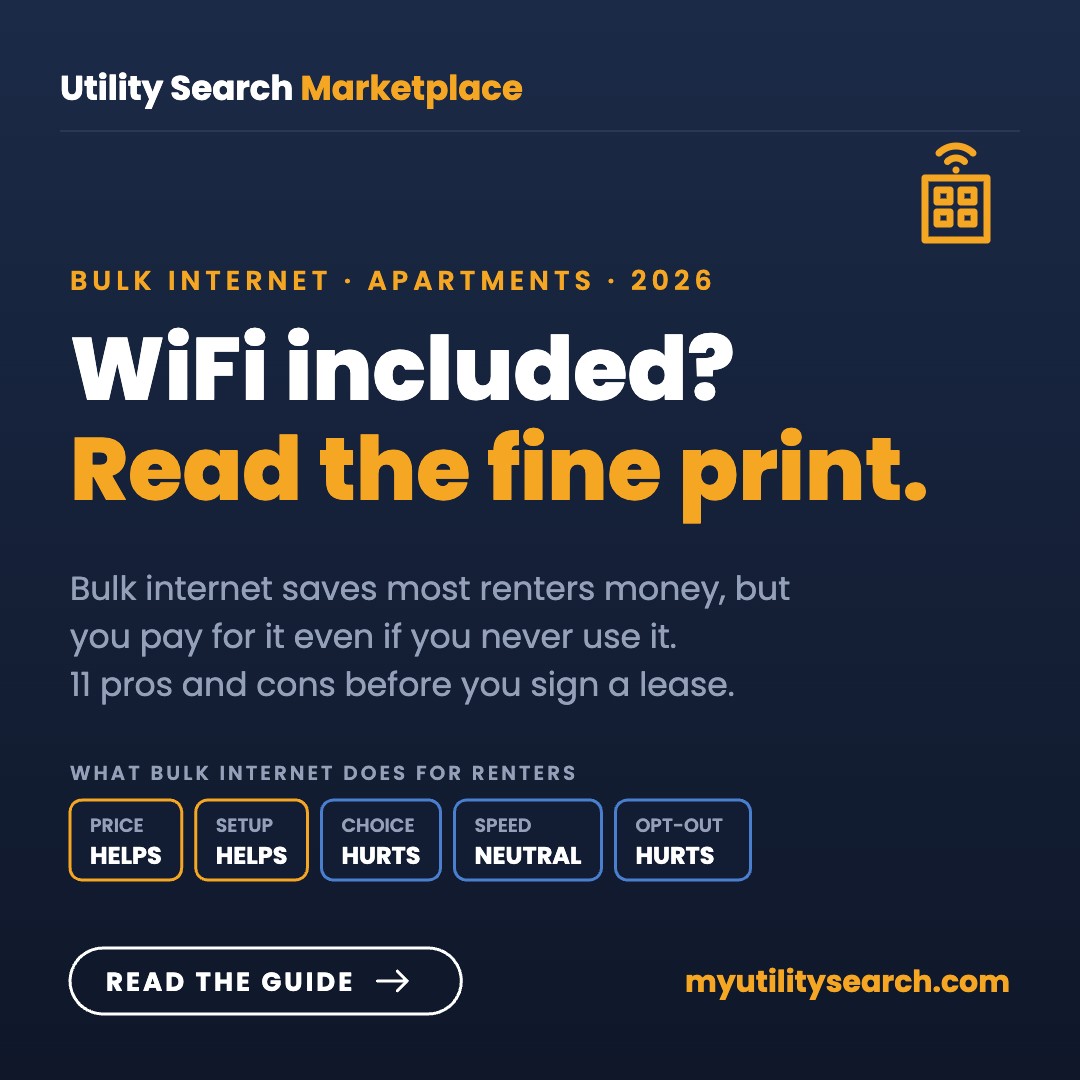
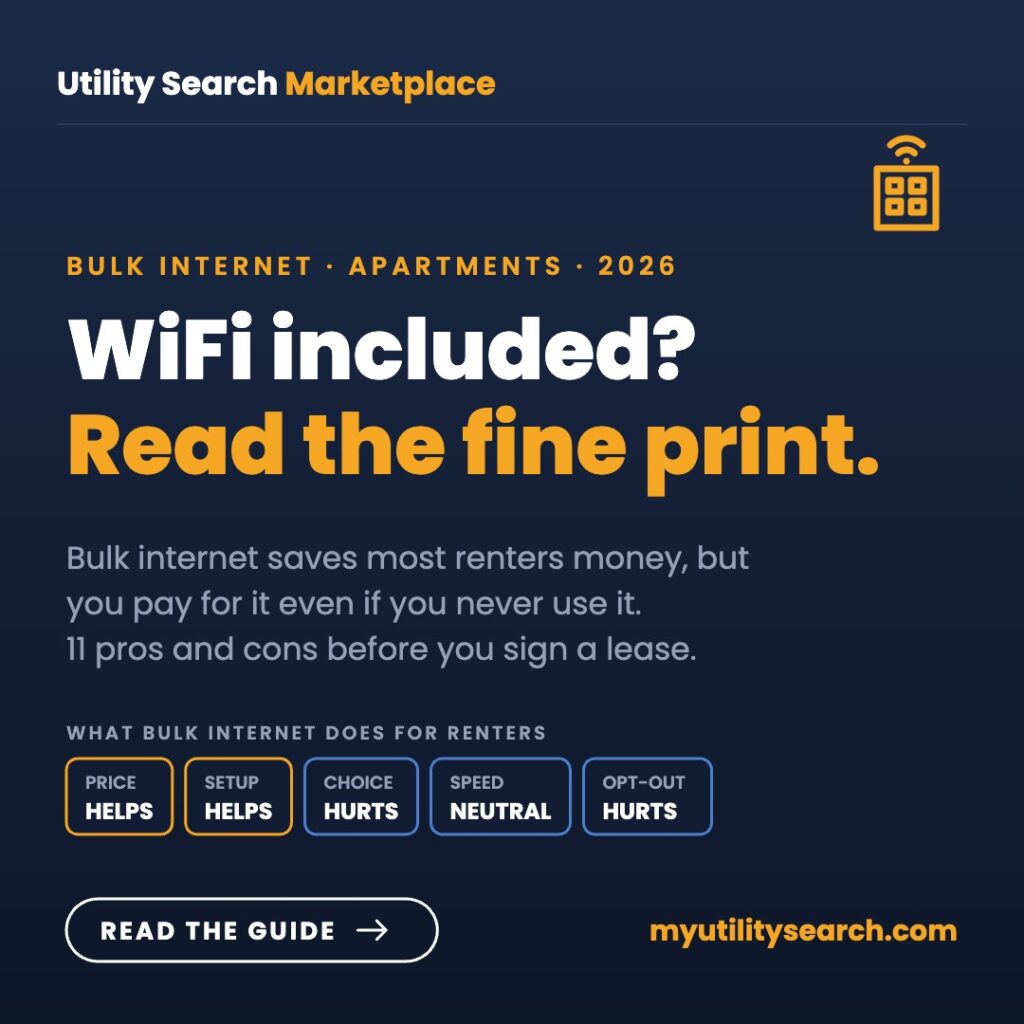
Bulk internet is worth it for most apartment renters when the building’s speed fits your household. You usually pay less than a retail plan, skip equipment fees and are online on move-in day. The catch: the fee is typically mandatory, so you pay it even if you would rather use another provider.
Bulk internet is the “WiFi included” line on an apartment listing: the property signs one contract with one provider, wires every unit, and bills you through rent or a monthly tech fee. Below are the 11 proven pros and painful cons of bulk internet for renters, plus what it means for property owners, with the FCC rules as they stand in October 2026.
Key takeaways
- About 1 in 10 apartment residents (10–12%) has a bulk internet plan, per Parks Associates.
- Bulk internet is usually cheaper per unit, but the fee is mandatory in most leases.
- Bulk billing is legal. The FCC dropped its proposal to ban it in January 2025.
- Owners use bulk internet to add income and lift resident satisfaction (about +26 NPS points).
- Ask 7 questions before you sign, starting with whether you can opt out.
Want to see what else serves your building?
Enter your address to compare every fiber, cable, 5G and satellite plan available at your unit, so you know whether the bulk plan is really the best price.
Takes about a minute, no account needed.
What is bulk internet?
Bulk internet (also called bulk billing, managed WiFi or community WiFi) is a contract between a property and an internet provider. The provider serves every unit at a wholesale rate, and the property passes the cost to residents as part of rent or a required amenity fee.
There are two common setups:
- Bulk service per unit: each apartment gets its own modem and connection from the provider, already active when you move in.
- Managed WiFi: one property-wide network covers units, hallways, the pool and the gym. You log in once and your devices work anywhere on site.
It is still a minority setup. A September 2025 Parks Associates study found 10–12% of multifamily residents have a bulk plan, while 80–82% pay an internet provider directly.

What are the pros and cons of bulk internet at a glance?
| Pros for renters | Cons for renters |
|---|---|
| Usually cheaper than a retail plan for the same speed | You pay for it even if you never use it |
| Working the day you move in, no install appointment | The property chose the provider, not you |
| No credit check, deposit or equipment rental fee | Speed tier is set for the whole building |
| WiFi often covers common areas too | Support can bounce between the provider and the office |
| No promo price that jumps after 12 months | Price can rise with rent at renewal |
What are the pros of bulk internet for renters?
1. A lower price for the same speed
Providers price bulk contracts per unit for hundreds of doors at once, so the rate is usually well below what one household pays on a retail plan. When the FCC withdrew its proposed bulk billing ban in January 2025, Chairman Brendan Carr said a ban could have raised internet prices for apartment residents by as much as 50%.
2. Online on move-in day
There is no install window to wait for and no technician to let in. Plug in, or join the property network, and you’re done.
3. No credit check, deposit or equipment fees
Retail plans often add a modem or router rental fee every month. Bulk plans usually include the equipment, and since the property is the customer, you skip the provider’s credit check.
4. Coverage beyond your unit
Managed WiFi follows you to the pool, gym and clubhouse. That’s handy for remote workers who like a change of scenery.
5. No promo cliff
Retail internet prices often jump after a 12-month promotion. A bulk rate is set in the property’s contract, so you don’t get a surprise bill increase mid-lease.
What are the cons of bulk internet for renters?
1. You pay even if you don’t want it
This is the biggest complaint. If the fee is mandatory, you still pay it if you bring your own provider, rely on your phone, or are rarely home. Critics, including Public Knowledge, argue this makes people pay for service they don’t want or need.
2. No choice of provider
The building picked the provider. If you wanted fiber and the bulk deal is cable, or you’ve had a bad experience with that company, you’re stuck with it unless another provider is wired into the property.
3. One speed for everyone
Bulk contracts usually set a single tier. It may be plenty for one person and too slow for a household with two remote workers and a gamer. Some properties sell upgrades; many don’t.
4. Shared-network headaches
On managed WiFi, evening slowdowns and device-pairing quirks (smart TVs, game consoles, printers) are common. Run our free internet speed test wired and on WiFi so you can show the office a real number.
5. Support gets passed around
When it breaks, you may call the provider, get sent to the leasing office, and end up back where you started. Ask who owns support before you sign.
6. Raises arrive with your rent
Because the fee is in your lease, the property can raise it at renewal. That’s a different kind of price risk than a promo ending.
Is bulk internet legal? What the FCC rules say in 2026
Yes. Bulk billing is legal nationwide, and federal rules around it changed twice in the last few years:
- February 2022: the FCC banned exclusive revenue-sharing deals, where a provider paid the owner for sole access to a building, and “graduated” deals that paid more as more tenants signed up. Providers with exclusive marketing agreements must now disclose them in plain language and say they aren’t the only option. Plain bulk billing was left alone.
- March 2024: then-Chair Jessica Rosenworcel circulated a proposal to consider banning bulk billing so renters could opt out.
- January 2025: Chairman Carr withdrew that proposal, calling it “costly regulatory overreach.” Apartment industry groups (NMHC, NAA and RETTC) applauded; consumer advocates objected.
Bottom line: in most buildings you can still order a different provider if one is wired in, but you’ll usually keep paying the bulk fee. Read our guide to utilities-included apartments for how other bundled bills work.

What are the pros and cons of bulk internet for property owners?
Owners see bulk internet through a different lens: net operating income (NOI), occupancy and resident satisfaction.
The upside for owners
- Ancillary revenue: the difference between the wholesale cost and the resident fee adds to NOI. Gigstreem, a managed WiFi provider, reported in September 2026 that one Class A property in Austin earns about $17,000 a month in NOI from managed WiFi, with a 16-month payback.
- Happier residents: Parks Associates found apartments average a Net Promoter Score of −28 without bulk internet, and that adding it lifts NPS by 26 points. Gigstreem reports 94.4% occupancy and an 85 NPS at its Austin example.
- A base layer for smart buildings: smart locks, leak sensors, self-guided tours and AI leasing tools all need a reliable property-wide network. One managed network can carry them all, which helps justify retrofits on older buildings.
- A marketing line: “Gig WiFi included” stands out in listings and on tours.
The downside for owners
- Upfront cost and long contracts: wiring and access points can be a real capital project, and bulk agreements commonly run for years.
- You own the complaints: when the network is slow, residents blame the property, not the provider.
- Technology risk: a tier that impresses today can feel slow in five years if the contract lacks speed upgrades.
- Regulatory swings: the bulk billing ban was proposed once and withdrawn; a future FCC could revisit it.
Is bulk internet better than getting your own plan?
Bulk internet is better if the building tier meets your needs and the fee is lower than a comparable retail plan; your own plan is better if you need more speed or want to pick the provider.
| Bulk internet | Your own plan | |
|---|---|---|
| Who picks the provider | The property | You |
| How you pay | Rent or tech fee | Monthly bill from the provider |
| Price changes | At lease renewal | When promos end or the provider raises rates |
| Speed choice | Usually one tier | Any tier the provider sells at your address |
| Setup | Active on move-in | Install or self-install kit |
| Can you cancel? | Usually not during the lease | Yes, subject to any contract |
If you’re weighing a lease, check what retail plans serve that address first. Our list of the best internet providers for renters covers no-contract options that move with you.
7 questions to ask before you sign a lease with bulk internet
- Is the internet fee mandatory, and how much is it per month?
- Which provider supplies it, and what are the download and upload speeds?
- Is it a private connection in my unit or a shared property network?
- Can I upgrade my speed, and what does that cost?
- Can I use another provider, and do I still pay the fee if I do?
- Who do I call when it goes down, and is support 24/7?
- Can the fee go up at renewal?
Get the answers in writing. The FCC’s disclosure rule means providers with exclusive marketing deals must tell you they aren’t your only option.
How do you get the most out of bulk internet?
If your building already has bulk internet, a few habits make it work better:
- Test before you complain. Run a speed test plugged in and on WiFi, at the same time of day, two or three times. Numbers get faster fixes than “it’s slow.”
- Ask about an upgrade tier. Many managed WiFi providers sell a faster plan to individual units for a few dollars more. It’s often cheaper than a second retail plan.
- Put your own router behind a bulk modem. If you have a private in-unit connection, a better router or mesh system can fix dead spots. On a shared property network, ask the office first; extra routers can cause interference.
- Register devices that struggle. Game consoles, smart TVs and printers sometimes need to be added through the provider’s portal. Do it on move-in day.
- Keep a backup. If you work from home, know how much hotspot data your phone plan includes in case the building network has an outage.
And if the building tier truly can’t keep up, check what other providers serve your address. A second plan only makes sense when the speed gap is large, since you’ll keep paying the bulk fee.
Is bulk internet worth it?
For most renters, yes, if the speed fits your household. You’ll likely pay less than a retail plan, skip fees and be online on day one. It’s a worse deal if you need more speed than the building tier, already have a plan you like, or rarely use home internet.
For owners, bulk internet is increasingly part of the asset strategy, not just an amenity. The NOI and satisfaction gains are real when the network is reliable, and costly when it isn’t.
Is the bulk plan your best deal?
Compare internet plans available at your apartment, fiber, cable and 5G side by side, before you sign or renew your lease.
Bulk internet FAQ
What does bulk internet mean in an apartment?
It means the property buys internet for every unit from one provider at a wholesale rate and charges residents through rent or a monthly amenity fee.
Can I opt out of bulk internet?
Usually not. Bulk billing is legal, and the FCC withdrew its proposal to let renters opt out in January 2025. You can often order another provider if one serves the building, but you’ll typically still pay the bulk fee.
Is bulk internet cheaper?
Usually, per unit. Bulk rates are negotiated for the whole property, and the FCC said in 2025 that banning bulk billing could have raised apartment internet prices by as much as 50%.
Is managed WiFi the same as bulk internet?
Managed WiFi is one type of bulk internet: a single property-wide network that covers units and common areas, instead of a separate modem in each apartment.
Why do landlords offer bulk internet?
It adds income, makes listings more attractive, raises resident satisfaction when it works well, and gives the property a network for smart locks and sensors.
Bottom line: bulk internet is a good deal when the speed fits and the fee beats retail prices at your address; if not, ask about upgrades before you sign.
Are you a commercial customer?
Business internet, phones and IT for an office, store or multi-site location are quoted by address, not from a posted rate. Call our business internet desk at (866) 328-7973, or use BOX by TechGuidance to see every serviceable business connection at your location.